
Split PDF File
Separate one page or a whole set for easy conversion into independent PDF files.
Select PDF File
or drop PDF file here
PDF Details
Split Methods
Page Range
Split by specifying page ranges (e.g., 1-5, 6-10, etc.)
Fixed Interval
Split every N pages (e.g., every 5 pages)
By Bookmarks
Split at bookmarks or chapter headings
Enter page ranges separated by commas. Use hyphen for ranges (1-5) or single pages (3).
pages
(1 = top level, higher = nested)
Page Preview
Click on pages to select/deselect them for splitting
Split Preview
Processing PDF...
0%
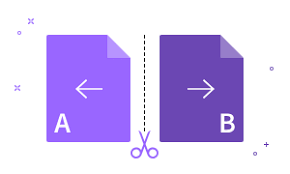
How To Split a PDF Online
Import or drag & drop your file into our Split PDF tool.
Click the scissor tool icon to split specific PDF pages.
Click ‘Split’ to separate your PDF into multiple files.
Edit the PDF with our other online tools as needed.
Download or share your split PDF files when ready—done!
Quick Links
Popular Conversions
Here we collected the most common file conversions
Rate this page